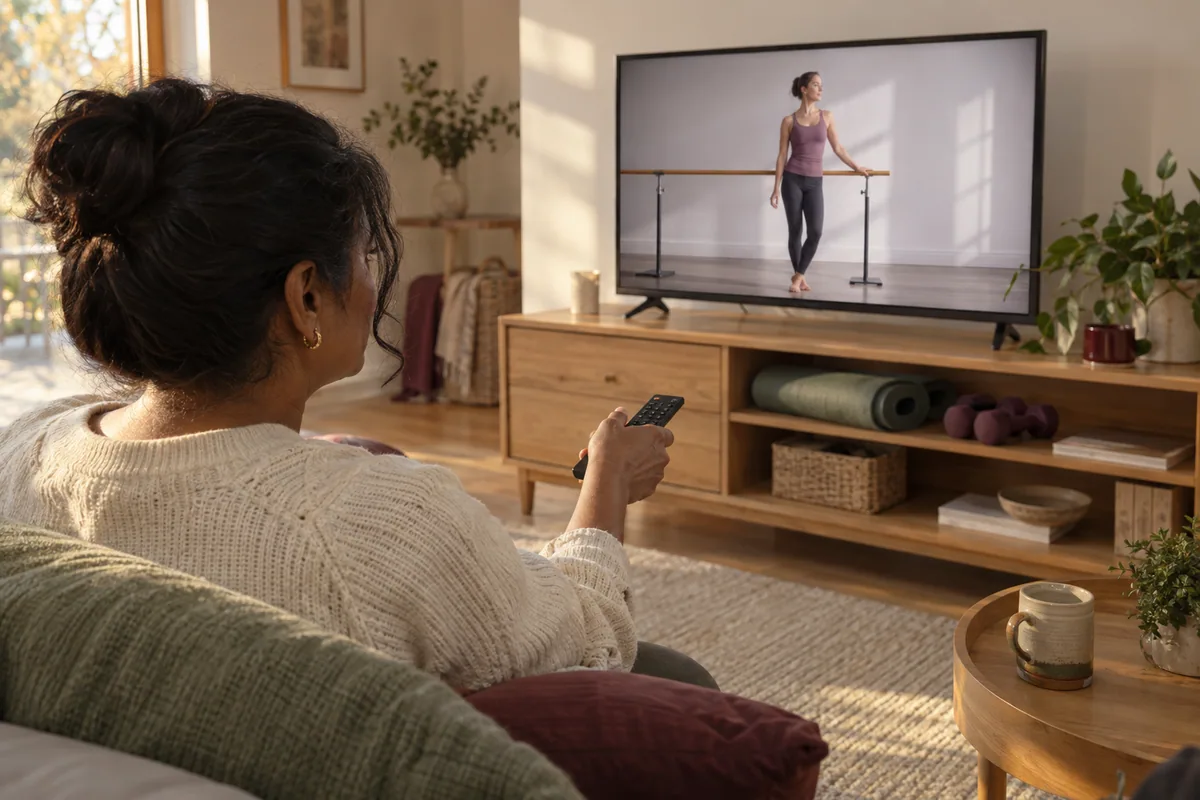
Start with two established creator libraries that include barre, then choose a particular recording. The useful question is not which channel has the biggest audience, but which session matches the time, equipment and kind of instruction you want.
Jessica Smith TV
Jessica Smith’s official exercise-video library links to her YouTube channel and organizes videos by categories including barre, beginner and no-equipment workouts. Use those categories to narrow the library rather than relying on a body-transformation title.
15-minute Barre for Beginners — Jessica Smith
A short entry point published by Jessica Smith. Preview the demonstration, pace and support before starting; pause the recording whenever you need more time.
20-minute Upper Body Barre — Jessica Smith
The creator lists light dumbbells and an optional small ball. The recording includes floor movements, so it is a different choice from an entirely standing class.
BodyFit by Amy
BodyFit by Amy’s workout library provides filters for format, length and equipment, including barre. It can be useful if you want barre alongside other home workout styles from the same creator.
40-minute Bodyweight Barre Sculpt — BodyFit by Amy
A longer recording described by its creator as equipment-free barre. Equipment-free does not mean floor-free: preview the positions and transitions before deciding whether it fits your space and preferences.
Make a two-video shortlist
Save one short session and one longer option. Note the creator, duration, support, weights and floor transitions. Watch how the teacher explains the first movement, then skip ahead to check later positions before deciding to follow along. Subscriber counts and a beginner label are not individual suitability checks.
Before you press play
Read the creator’s equipment list, clear enough space for the actual movements, and place your screen where you can see without twisting to follow it. Preview the session’s standing and floor portions. A stable chair may be useful only where the creator calls for one; a wheeled office chair is not standing support.
You can pause, repeat an explanation or finish early. If you have an injury, pregnancy-related restrictions or a condition affecting exercise, use the guidance of the professional who knows your circumstances rather than a video title to decide suitability.
What a recording can and cannot provide
A recording gives you pause and replay controls. It cannot observe your movement or answer a question during the session. A live class may offer feedback, but ask about class size and camera arrangements rather than assuming all online classes are interactive.
Explore free workout resources or our online barre comparison to decide which format you want.
These independent creators host the videos on YouTube. Listings and creator descriptions were checked October 15, 2026; this is not a clinical or technique review. Availability, ads and playback settings are controlled by YouTube and the creator.
Choose a recording or a teacher
For a shorter starting option, the free beginner video guide explains what to preview. If you want explanations and a chance to ask questions, compare the planned Beginner Barre format. BarrePod bookings are not open yet; a recording is an option you can explore now.
Keep exploring
Compare free videos versus live classes if you are deciding how you want to learn.
Check equipment and room setup before starting a video.